
Here's How To Hide Admin Panel Menus In Strapi
- strapi
- hide admin panel menus
- admin panel
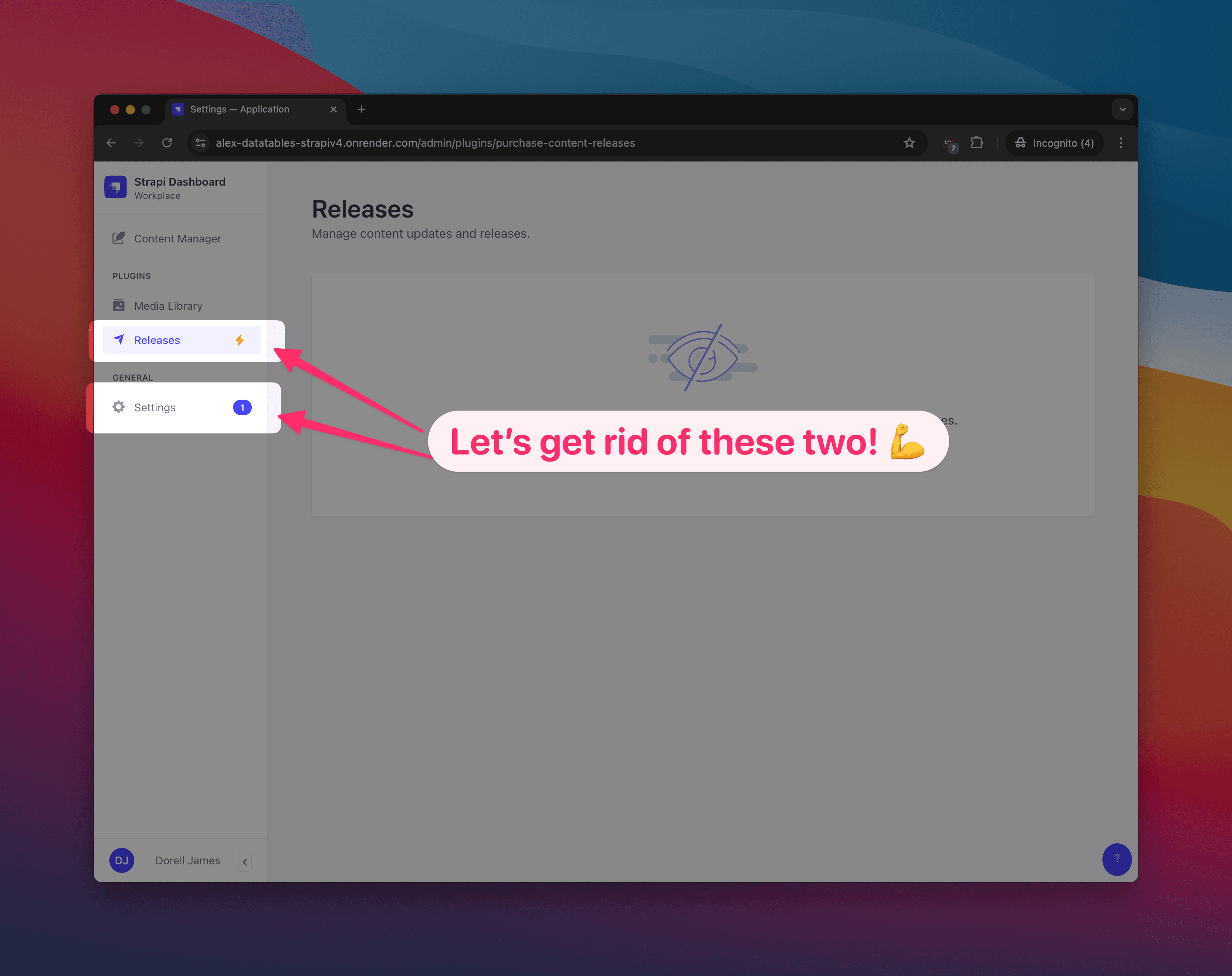
To cut the chase and save some time, I've created a quick guide to help you hide the admin panel menus in Strapi.
Method 1: Using the admin plugin configuration
- Create a
config/env/production/admin.jsfile in your Strapi project. - Copy the contents from that of
config/admin.jsfile and paste it in theadmin.jsfile you just created. - Replace the values for
flags.npsandflags.promoteEEtofalse.
module.exports = ({ env }) => ({
  auth: {
    secret: env('ADMIN_JWT_SECRET'),
  },
  apiToken: {
    salt: env('API_TOKEN_SALT'),
  },
  transfer: {
    token: {
      salt: env('TRANSFER_TOKEN_SALT'),
    },
  },
  flags: {
    nps: env.bool('FLAG_NPS', false),
    promoteEE: env.bool('FLAG_PROMOTE_EE', false),
  },
})
Method 2: Setting config / env variables
- In your Strapi provider, there should be an option to set config / env variables. Add the following variables to your config / env variables.
FLAG_NPS = false
FLAG_PROMOTE_EE = false- Save and redeploy your Strapi project.
- Voila. Done!
- NOTE: Tested on Strapi v4.0.0 and above.
- NOTE2: Settings Menu will still be there but it will only show the Overview submenu and no longer the other submenus.